











About this item
- The MATEKSYS R24-TD ELRS receiver operates on the 2.4GHz frequency for long-range control
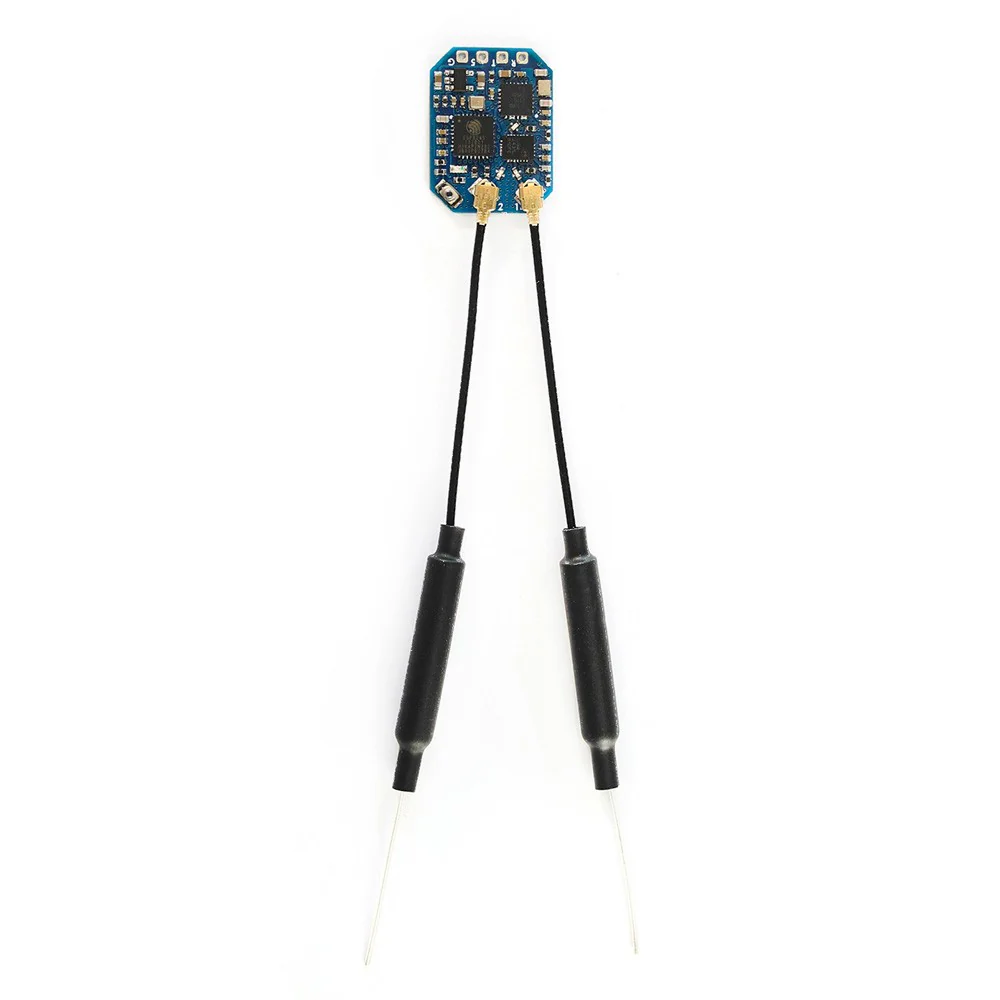
- This true diversity receiver stable reception by utilizing dual antennas
- Compatible with ELRS protocols for integration with supported transmitters
- Lightweight and compact design makes it ideal for drones and RC aircraft
- Offers low latency performance for precise and responsive control during flight
- Built with components for durability in various environmental conditions
- Easy to install and configure with clear documentation for quick setup
Product Description
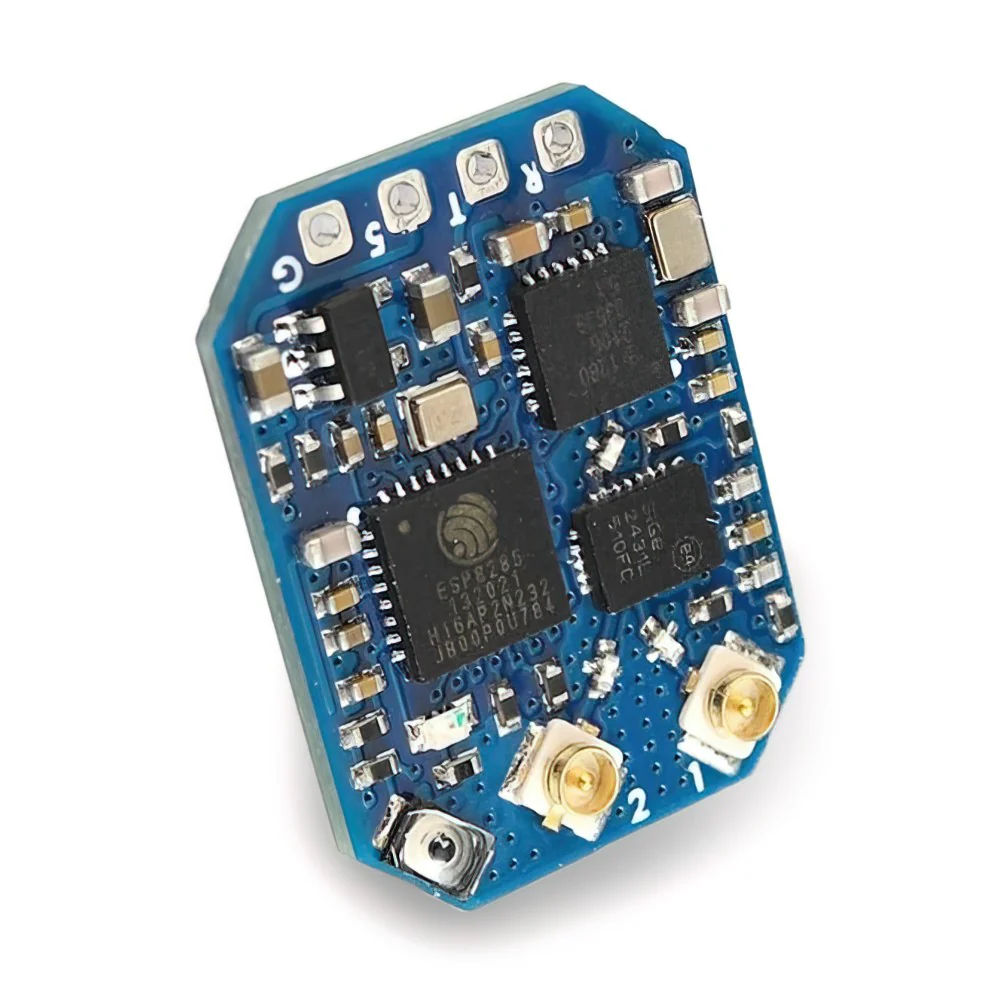
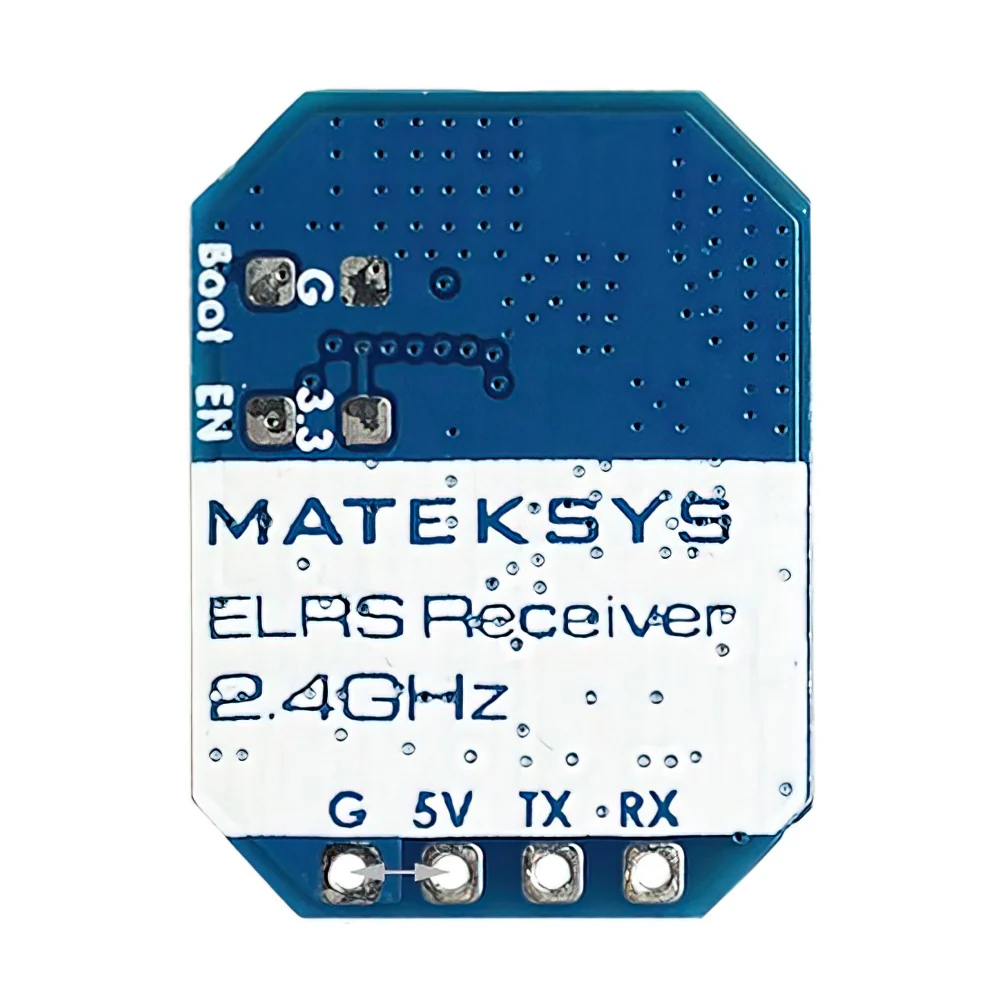
MATEKSYS R24-TD ELRS 2.4GHZ TRUE DIVERSITY RECEIVER Specifications: – ESP32-PICO-D4, SX1281, ExpressLRS Firmware – PA/LNA: AT2401C – RF Frequency: 2.4GHz ISM – Telemetry power: 20dbm (100mW) – True Diversity – Receiver protocol: CRSF – Connector: IPEX MHF-1 – Power supply: 4-13V DC @ “V” Pad – Power dissipation: 100mA~170mA@5V IN – PCB size: 28mm x 16mm – Weight: 4g Packing: – 1x ELRS-R24-TD – 2x IPEX MHF1 Antennas (15cm) RGB LED Status: – Rainbow fade effect: Starting Up – Green heartbeat: Web update mode enabled – Slow blink 500ms on/off: Waiting for connection from transmitter – Red flashing 100ms on/off: Radio chip not detected – Orange double blink then pause: Binding mode enabled – Orange triple blink then pause: Connected to transmitter but mismatched model-match configuration – Solid single color: Connected to a transmitter (color indicates packet rate) – In Boot mode, RGB LED does not light up.Firmwares: – ExpressLRS – Receiver Target: ESP32 True Diversity PA 2.4Ghz / RadioMaster RP4-TD / EP Dual – Variants based on Target “ESP32 True Diversity PA 2.4Ghz” can be flashed.- Receiver has ExpressLRS 3.3.2 preloaded with binding phrase “123456”.Flashing via WiFi: – Power on receiver.- RGB LED shows rainbow fade effect, then slow blink 500ms on/off.- After 20s, green blink indicates WiFi Hotspot Mode.- WiFi SSID: “ExpressLRS”, Password: “expresslrs”.Flashing via UART: – Wire receiver to USB-TTL adapter (TX to , to TX).- Connect 5V and GND of USB-TTL to receiver.- Press boot button while powering on, then release (RGB LED will not turn on).- In Configurator, select target and set bind phrase and firmware options.Web-flasher: https://expresslrs.github.io/web-flasher/ Compatibility Disclaimer: This is an aftermarket replacement part.Any brand names or model designations mentioned are used solely for the purpose of demonstrating compatibility.
Reviews
There are no reviews yet.